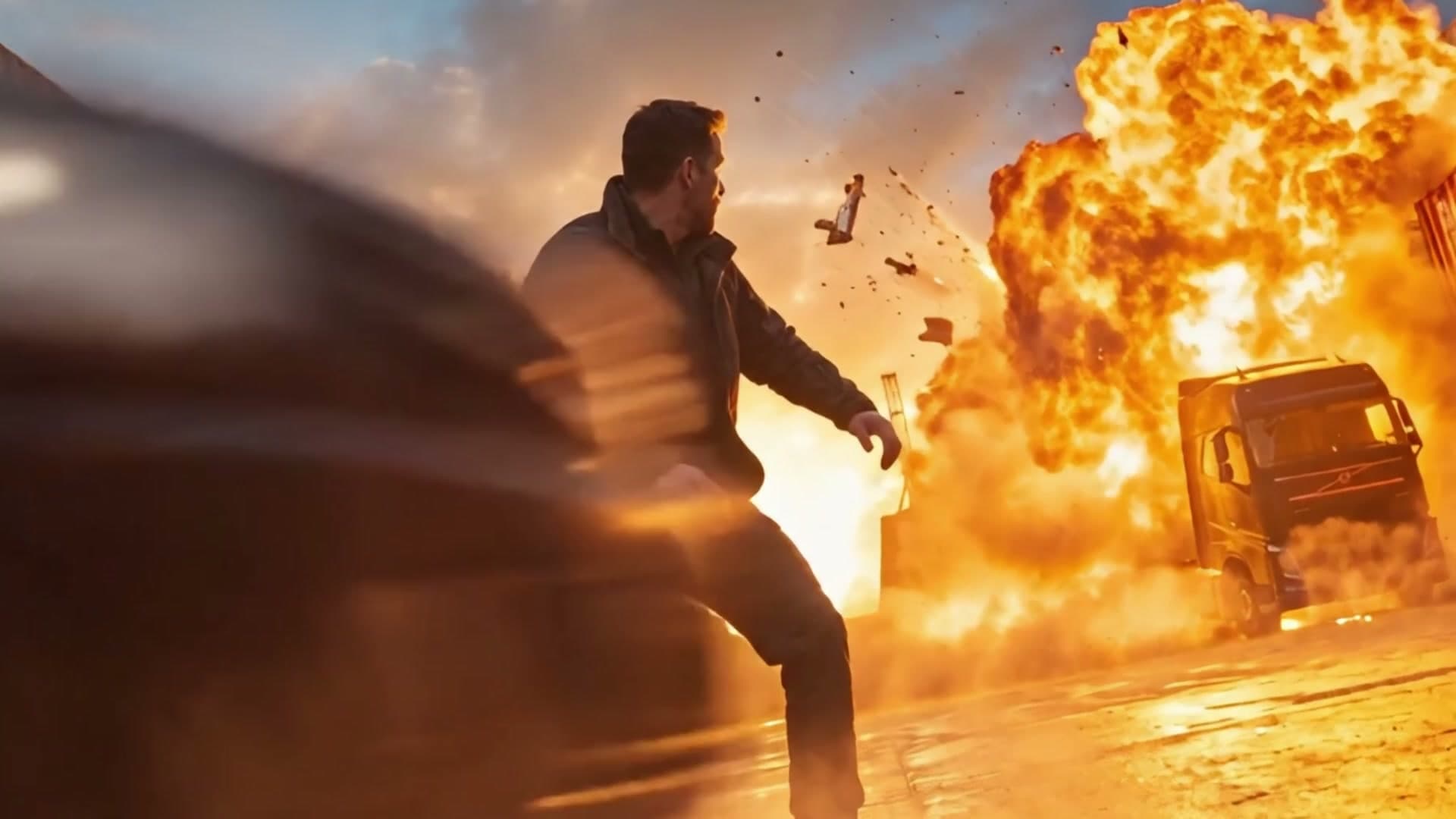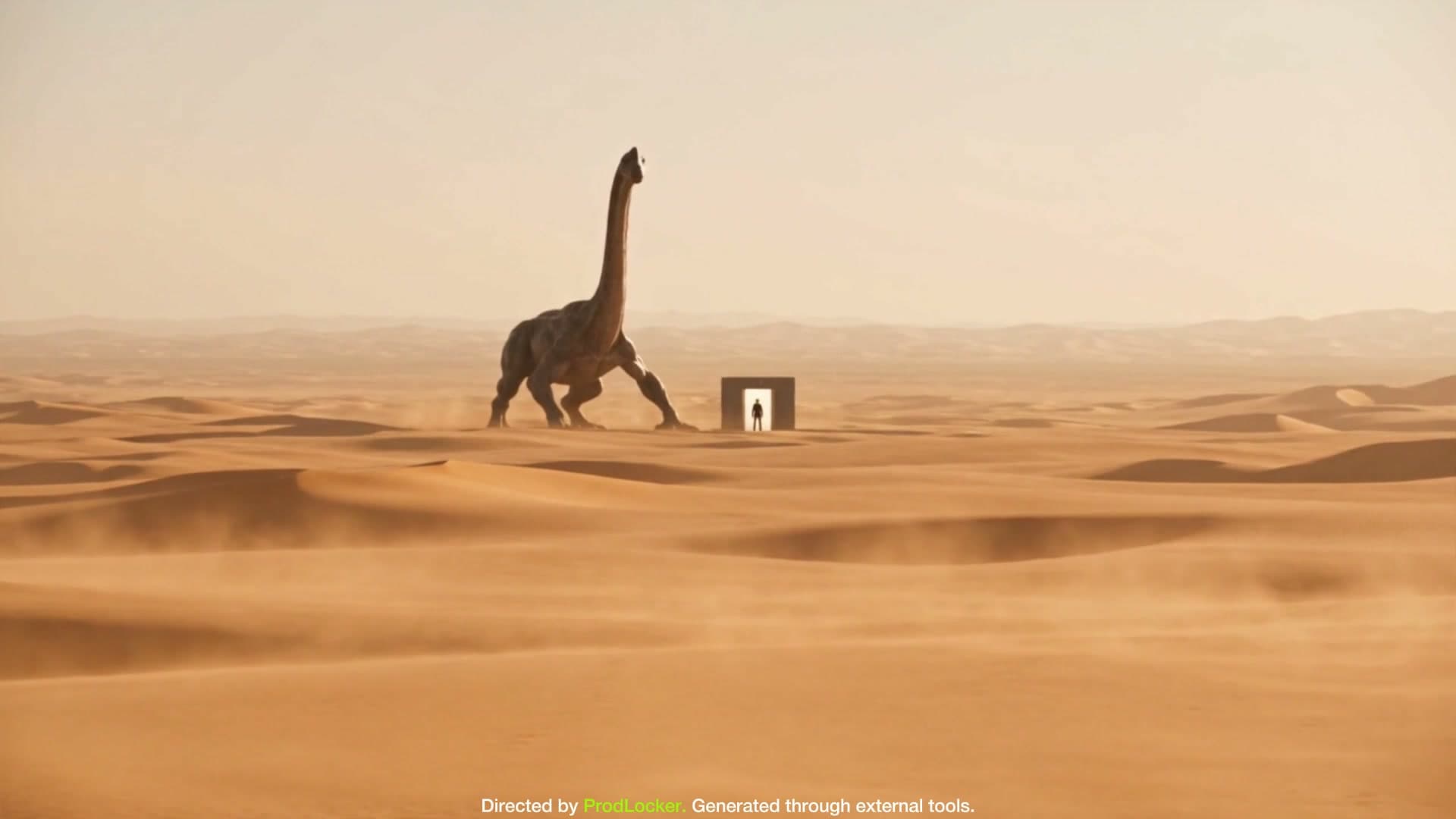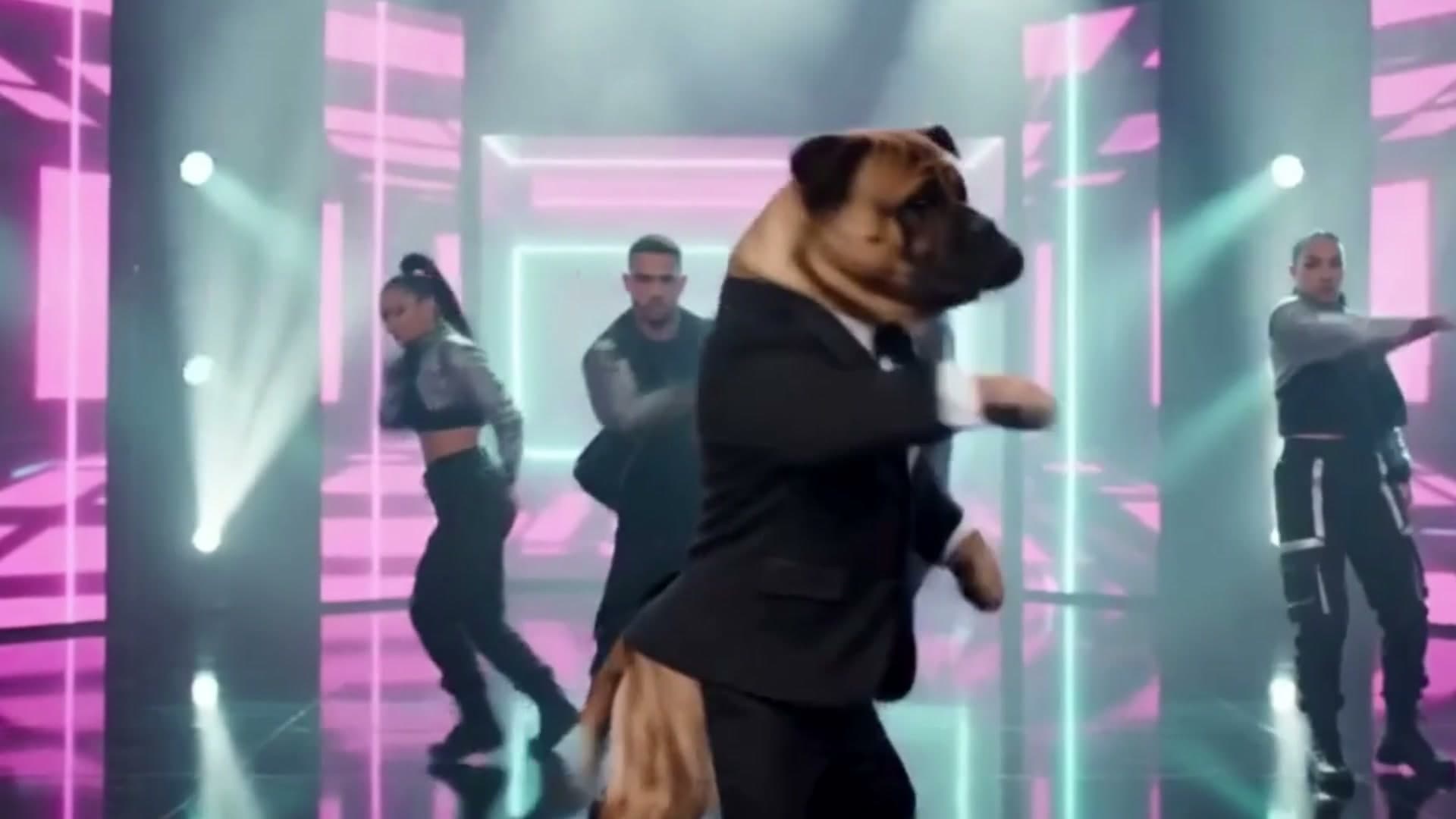
AI Video Pre-Production, Organized
Your idea deserves more than a guess. Shape the action, camera and visual style with your AI director, then turn every scene into precise prompts for your chosen video model.
- 01
Idea
Start with your concept, production type, format, duration, and intended generation tools.
- 02
Direction
Set the creative approach and visual language, using AI Decide or an available Director Style.
- 03
References
Organize visual references and continuity anchors before planning or as the project develops.
- 04
Plan
Build a structured scene sequence from your idea, settings, and analyzed references.
- 05
Scenes
Shape action, composition, camera behavior, lighting, and continuity scene by scene.
- 06
Prompts
Prepare model-ready starting-frame and video / motion prompts using scene direction, references, and continuity.
- 07
Export
Copy your prompts or export a PDF production package to take your plan into your chosen tools.
- 08
Bring your direction to life
Use your prompts and references with your chosen image or video model. Each prompt carries the action, camera, lighting and continuity you directed.
Better direction. More intentional prompts. A clearer path from idea to screen.