Commercials
Campaign systems
Your idea deserves more than a guess. Shape the action, camera and visual style with your AI director, then turn every scene into precise prompts for your chosen video model.
Your idea. Your direction. Prompts built for your chosen model.
A reference clip. A new character, outfit or world. Build a motion-directed prompt that carries your creative choices into your next generation.
Try Motion ControlCreates prompts, not video. Motion is approximate; audio isn’t analyzed. Use references in your chosen tool where supported.
ProdLocker prepares the creative direction and prompts. Your existing generation tools execute them.
Model-specific profiles: Veo 3 · Veo 3.1 · Runway Gen-4.5 · Seedance 2.0 · Seedance 2.5 · Kling Video 3.0
Product names identify compatible creative workflows only. No partnership or endorsement is implied.
Your references, scene plan, continuity, and model-ready prompts in one workspace. Export the production package when you’re ready.
References
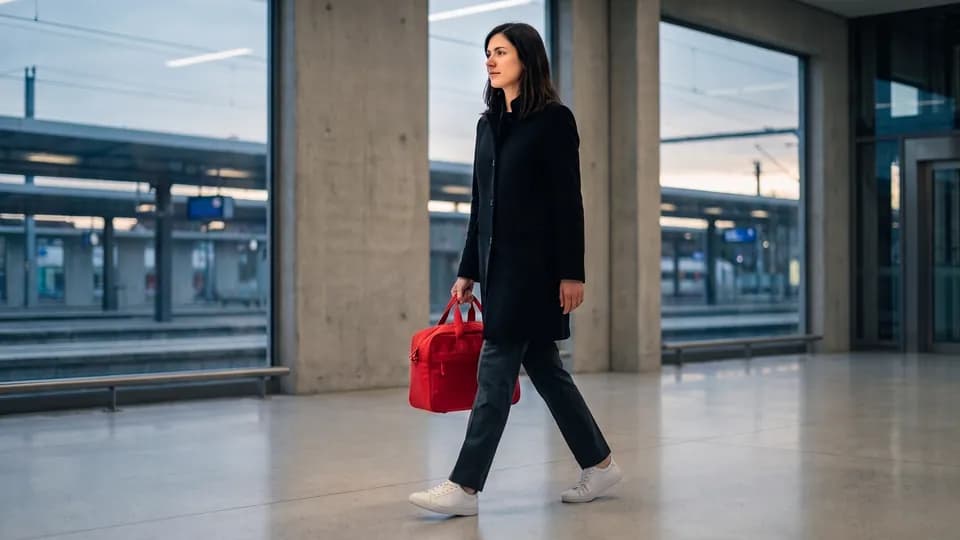
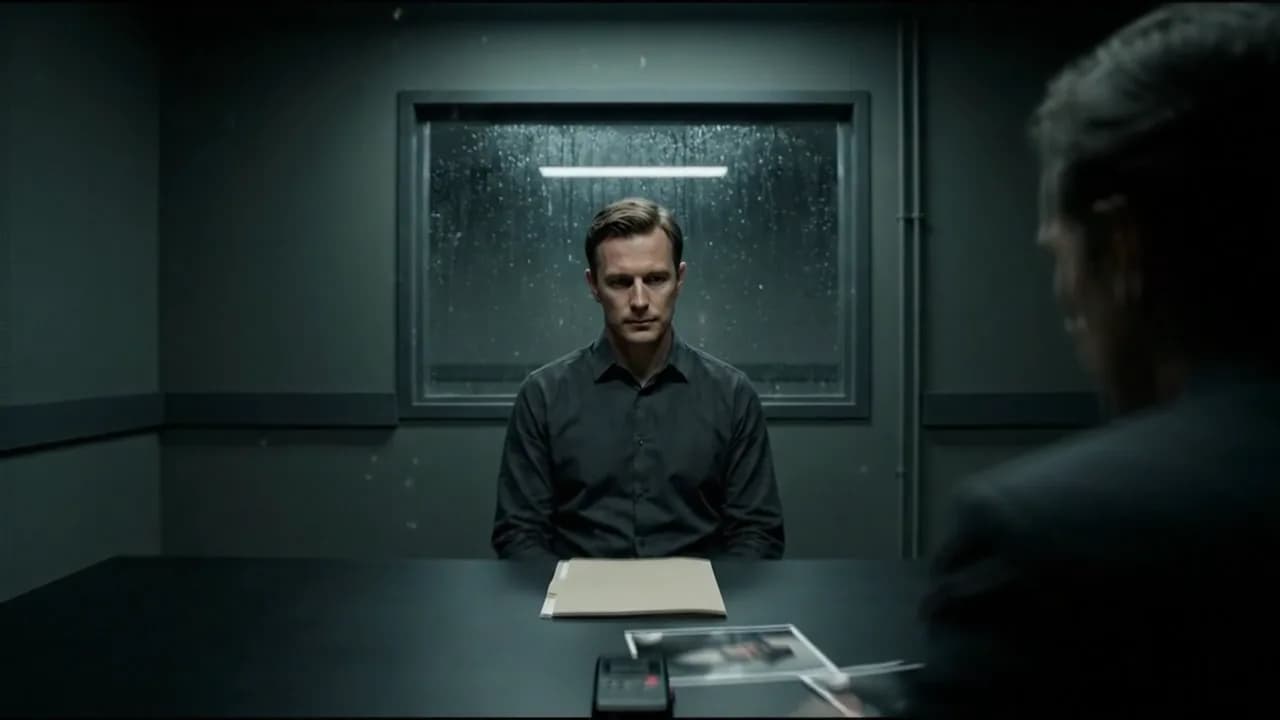
Character lock
Black coat · white shoes
Object lock
Red hard-shell case
Narrative beat · 4 seconds
Controlled lateral track · continuity locked
Narrative beat · 4 seconds
Starting-frame prompt
A static, generator-ready first frame with locked composition and subject state.
Camera information
35mm lens · lateral track · cool motivated light · ambient station audio.
Move from a rough idea to scene-by-scene prompts without losing the original direction.
Capture the idea, format, audience, and creative intent.
A tense courier handoff inside a modern station. The red case must remain the visual anchor.
Turn references and preferences into a clear visual approach.
Station reference
Environment · wardrobe · hero object
Stored privatelyBuild a sequence of connected scenes with continuity decisions.
Take model-ready starting-frame and video prompts into your generator.
One continuous lateral track. Preserve the red case, wardrobe, spatial geography, and movement direction...
Campaign systems
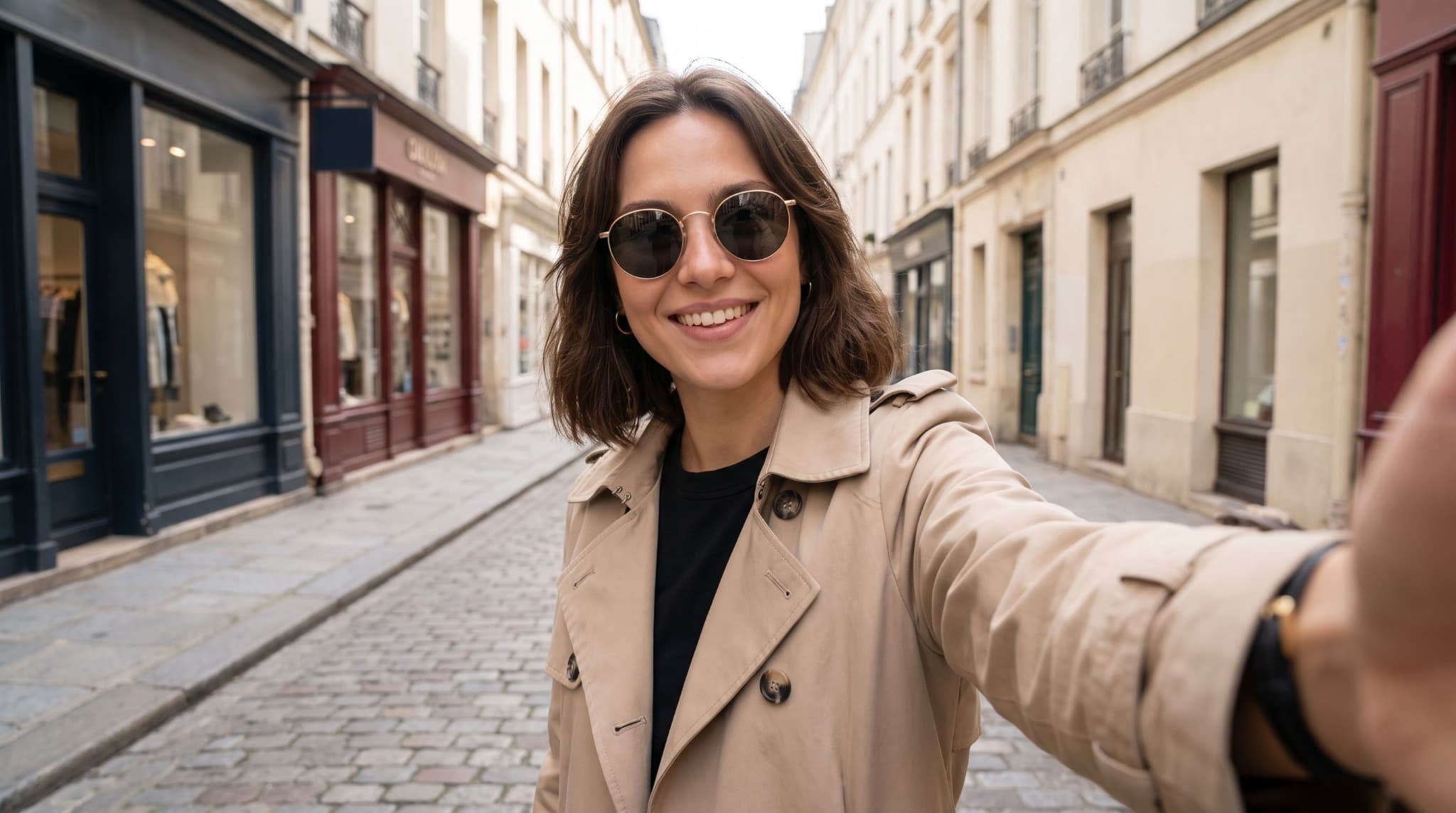
Platform-first stories
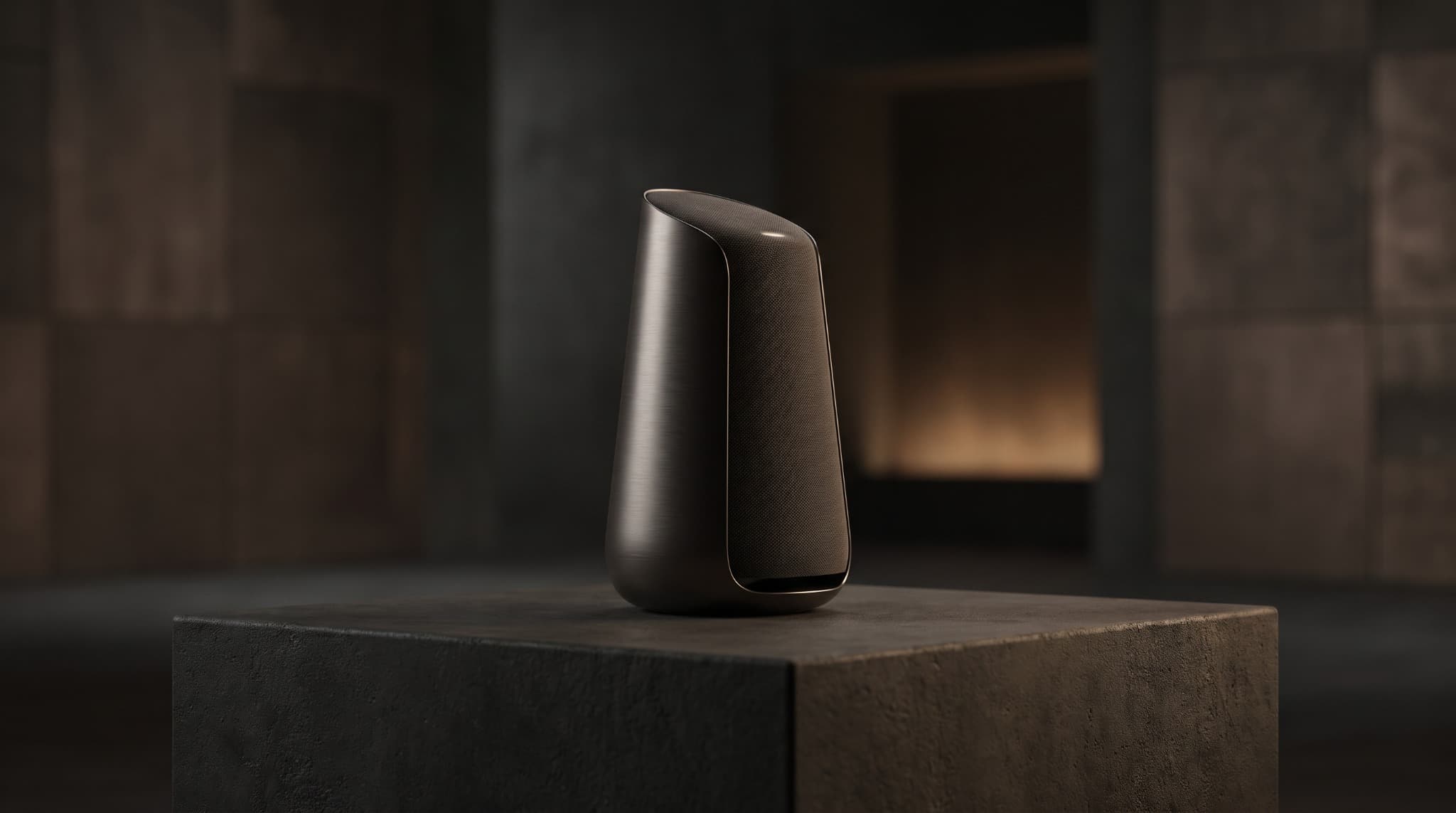
Product continuity
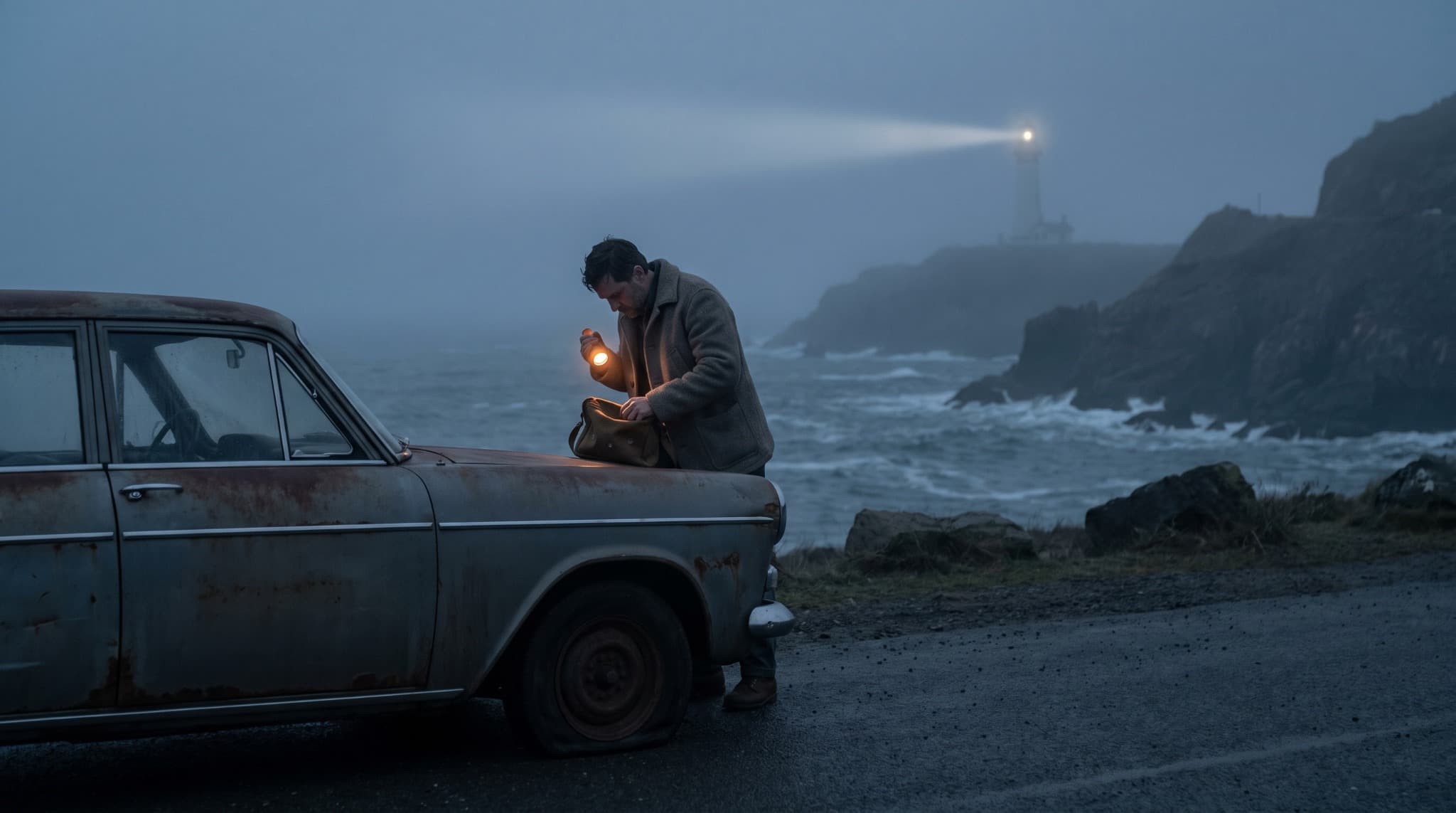
Scene-led narratives
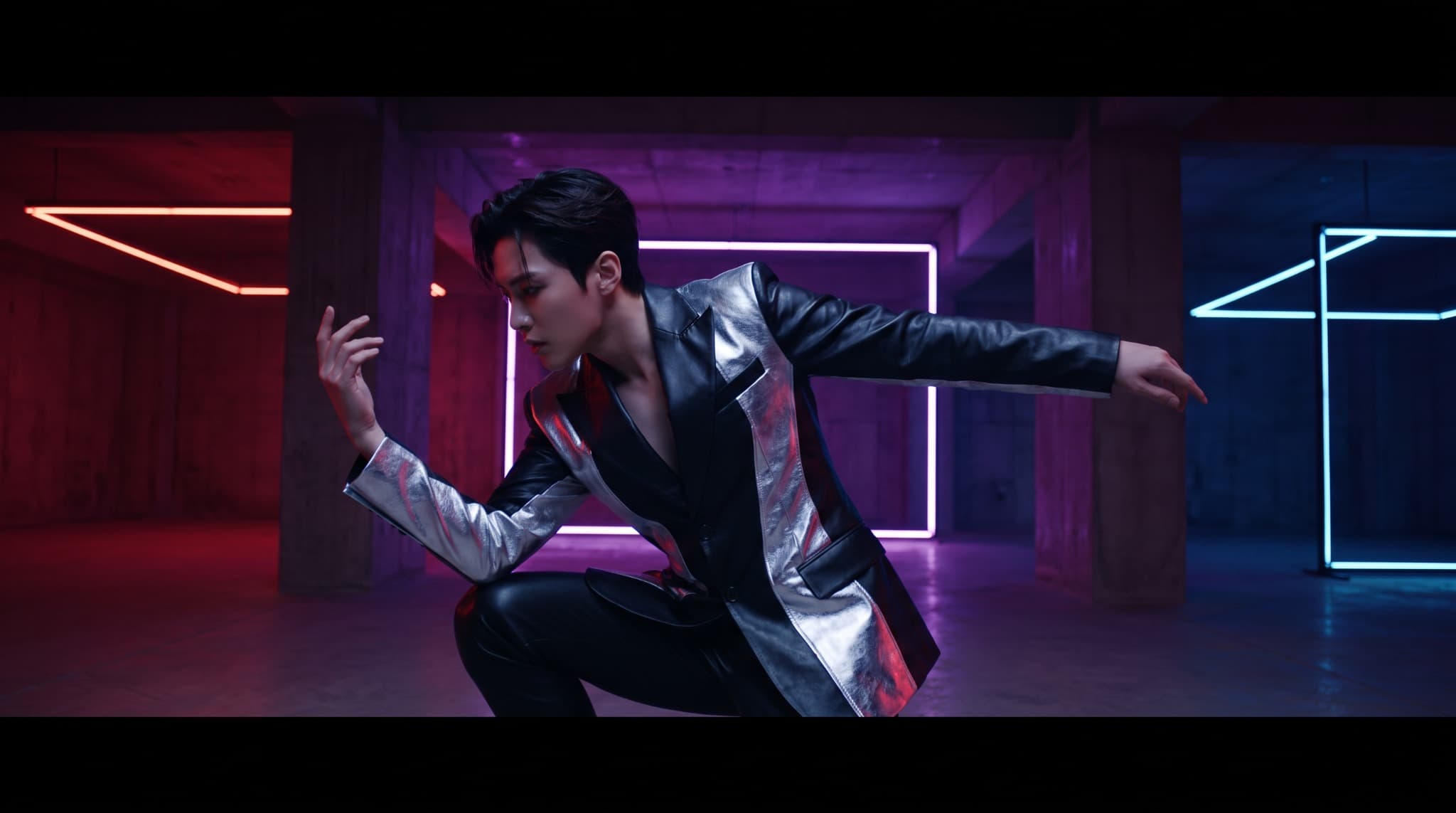
Performance worlds
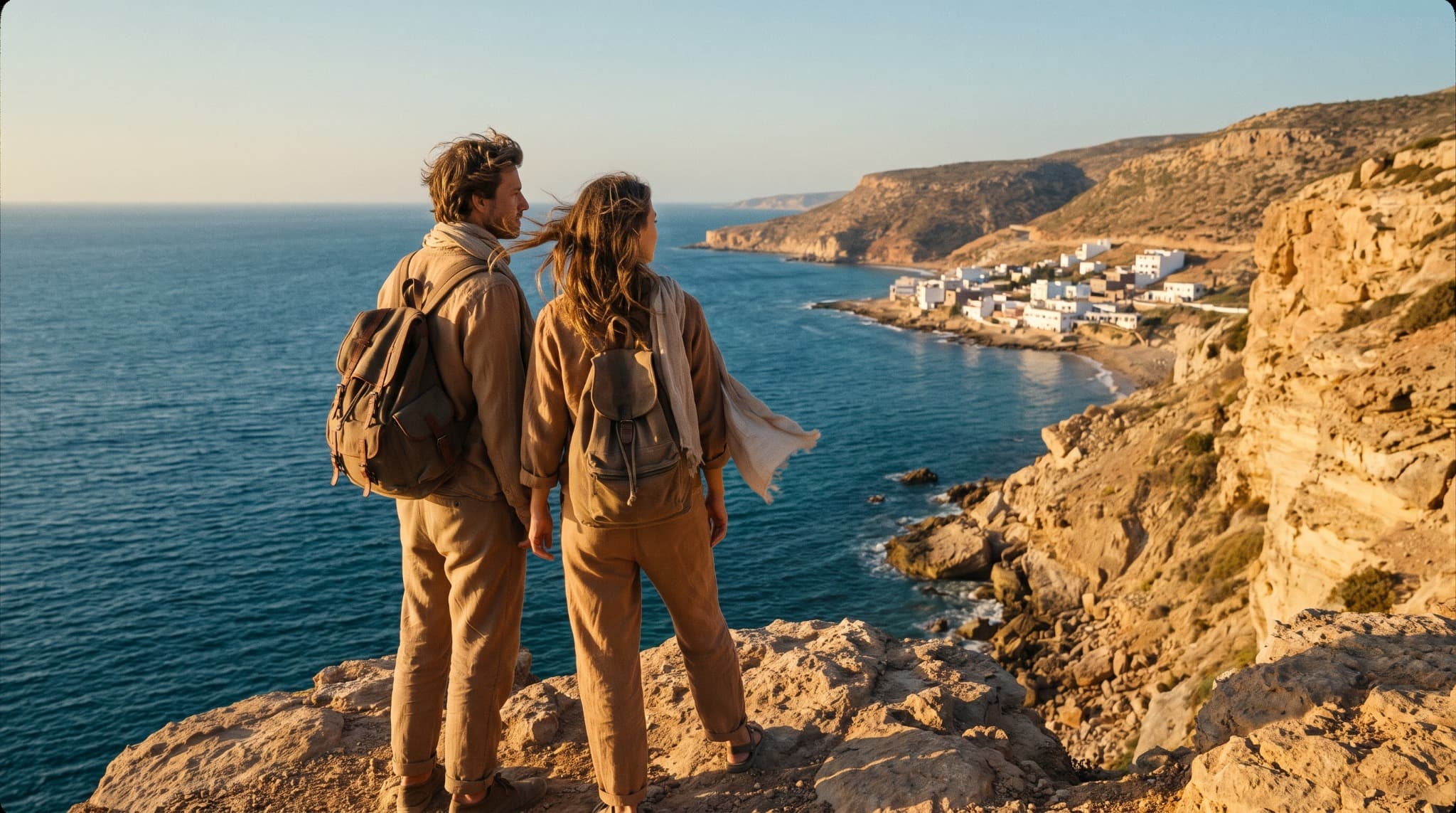
Place-led stories
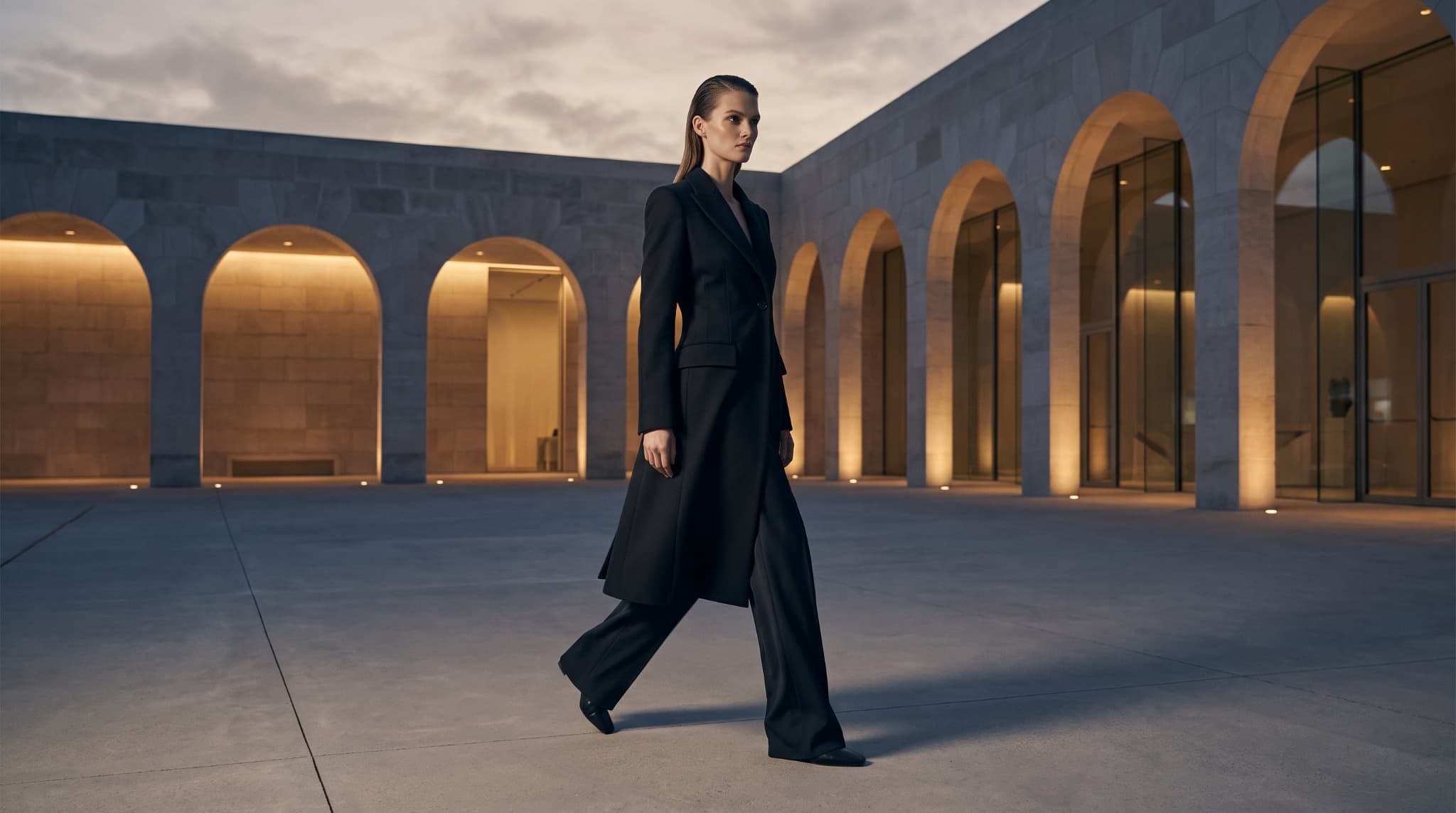
Editorial motion
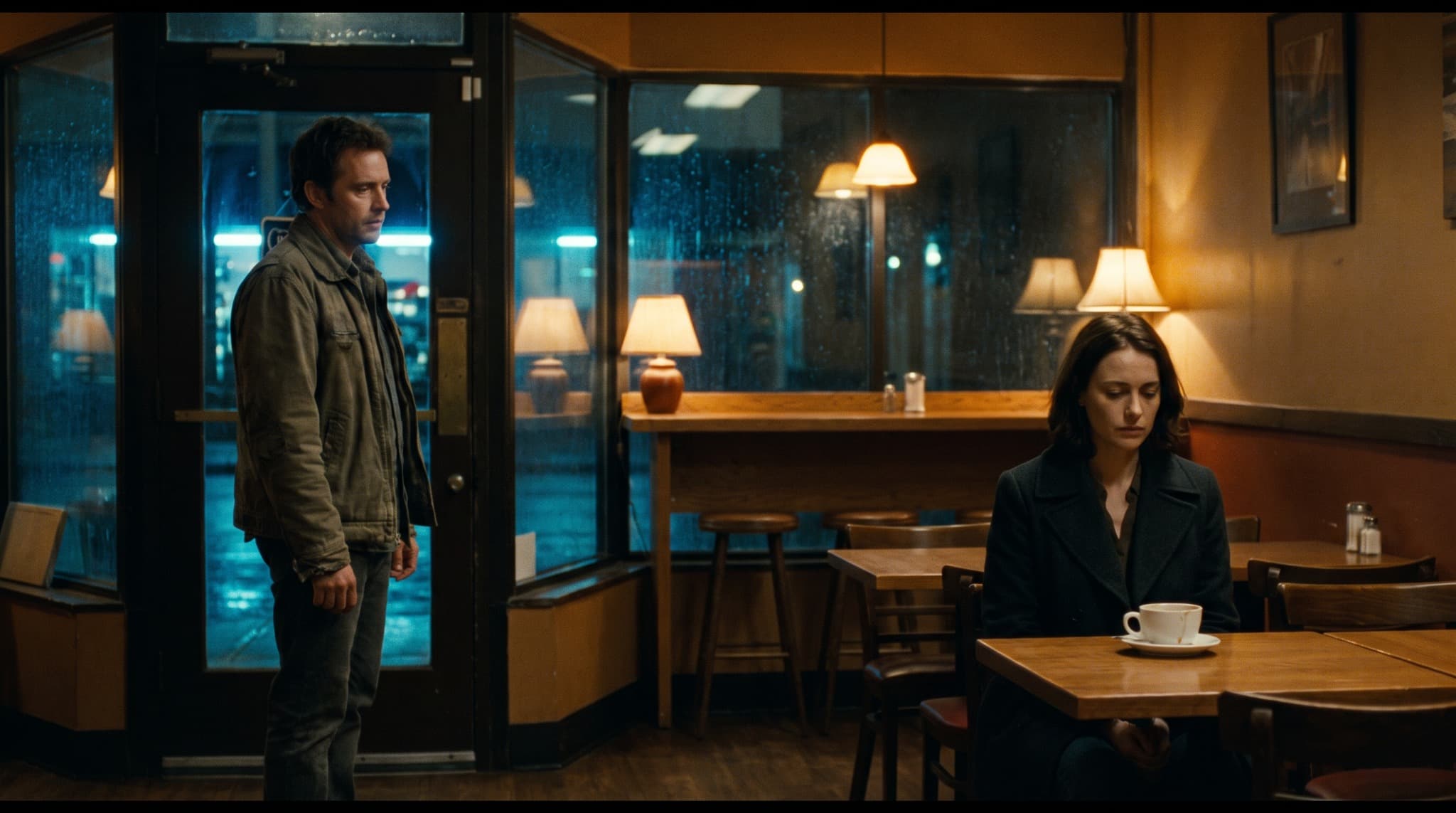
Character and story
Lock the details that matter, track how they change, and carry the right state into the next shot.
Case in right hand
Case changes hands
Case in left hand
Shape pacing, blocking, camera language, reveals, and scene structure with distinct directing approaches.
Director Styles are independently developed creative profiles based on general filmmaking traits. Referenced filmmakers are not affiliated with or endorsing ProdLocker.
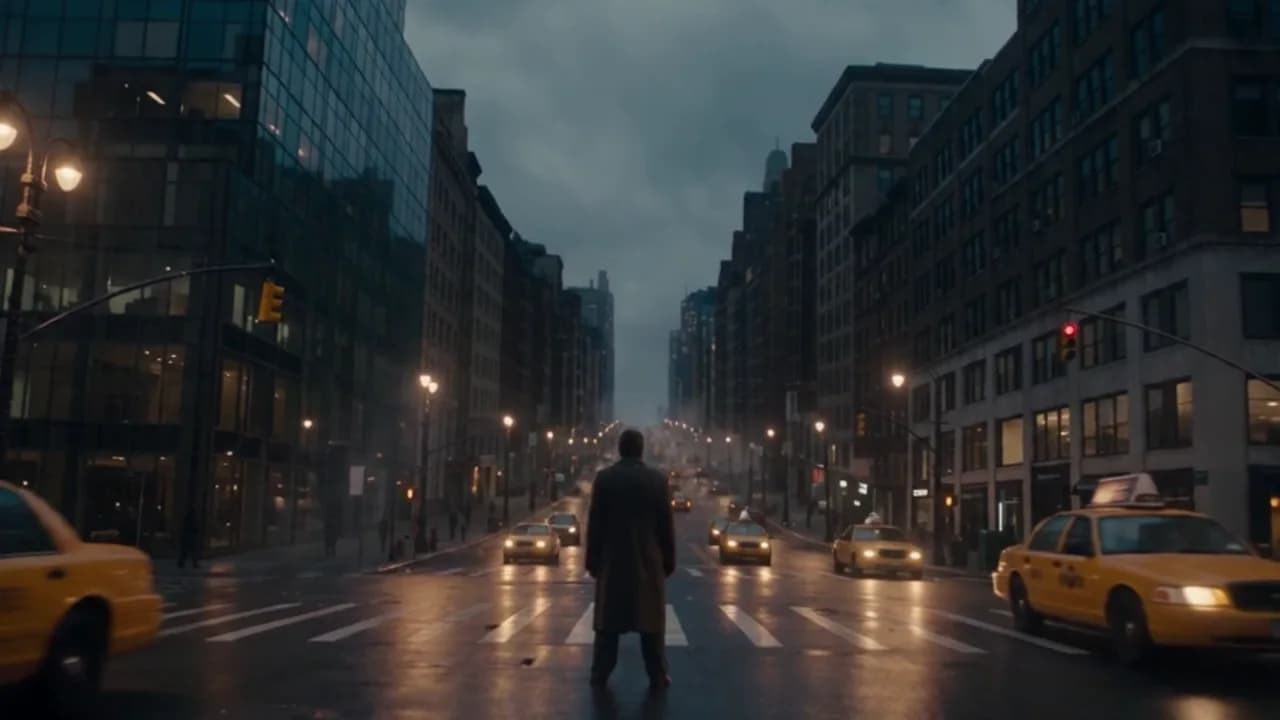
Director Style
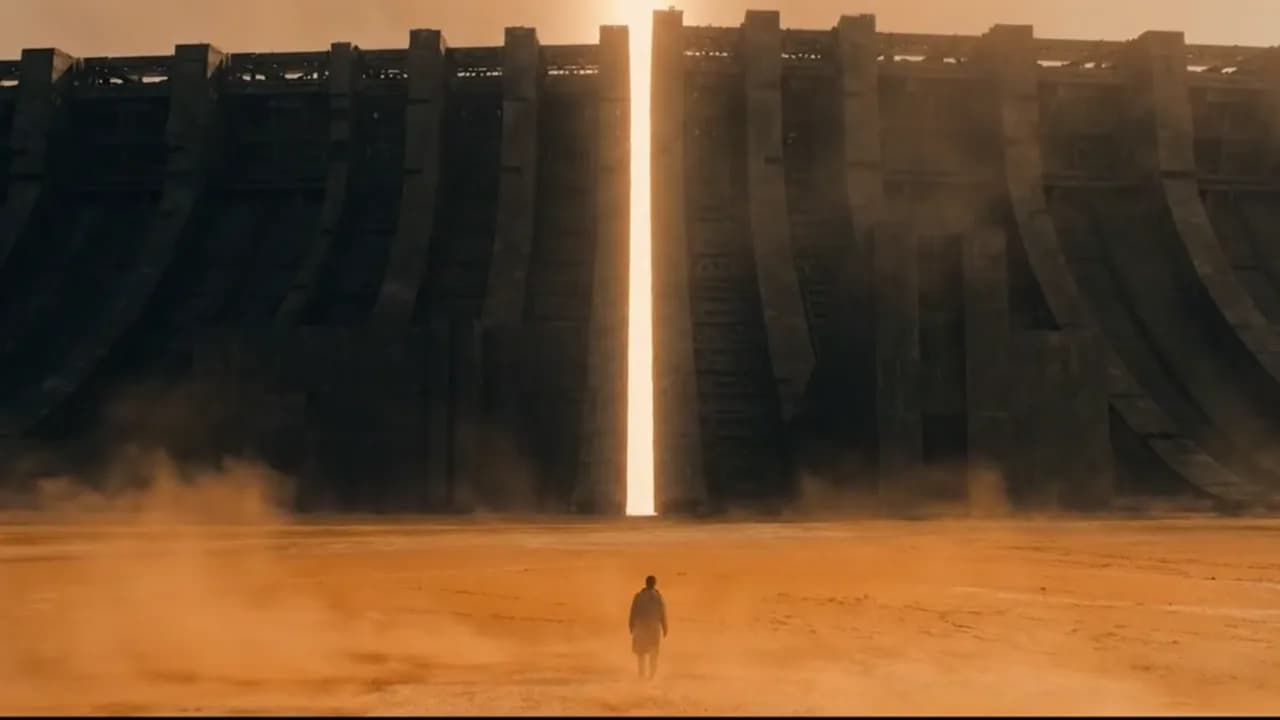
Director Style
Director Style
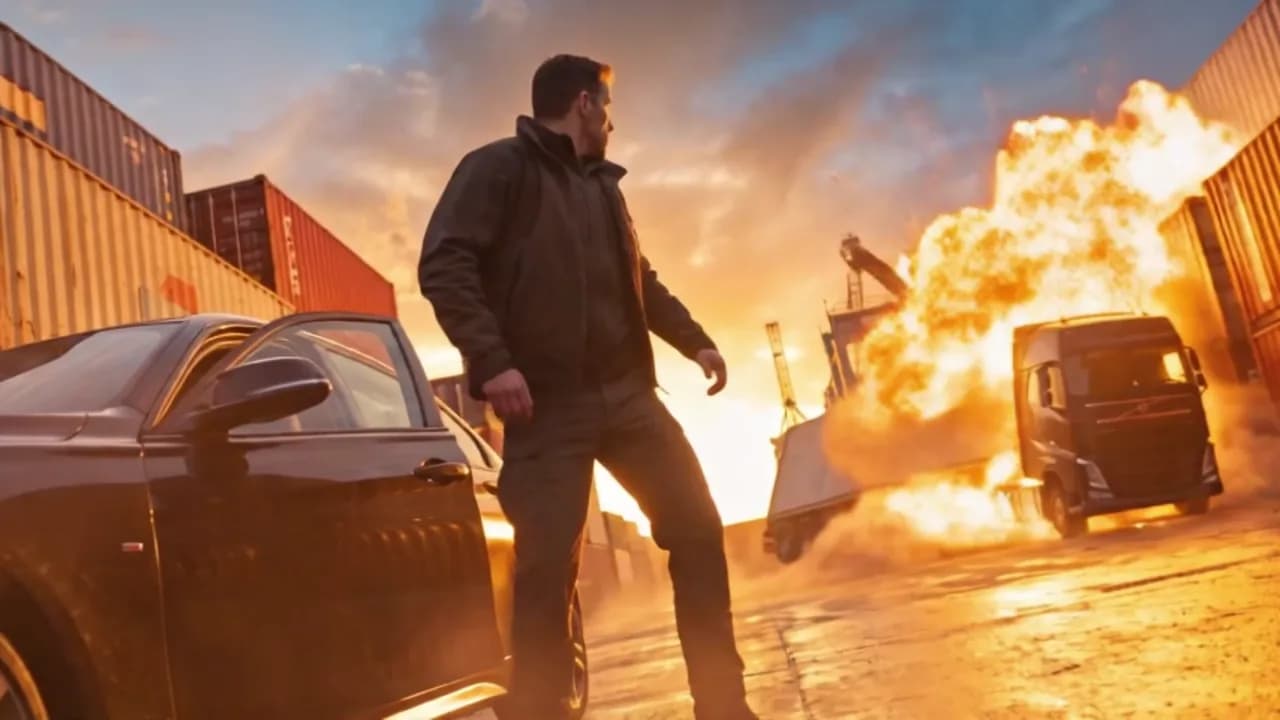
Director Style
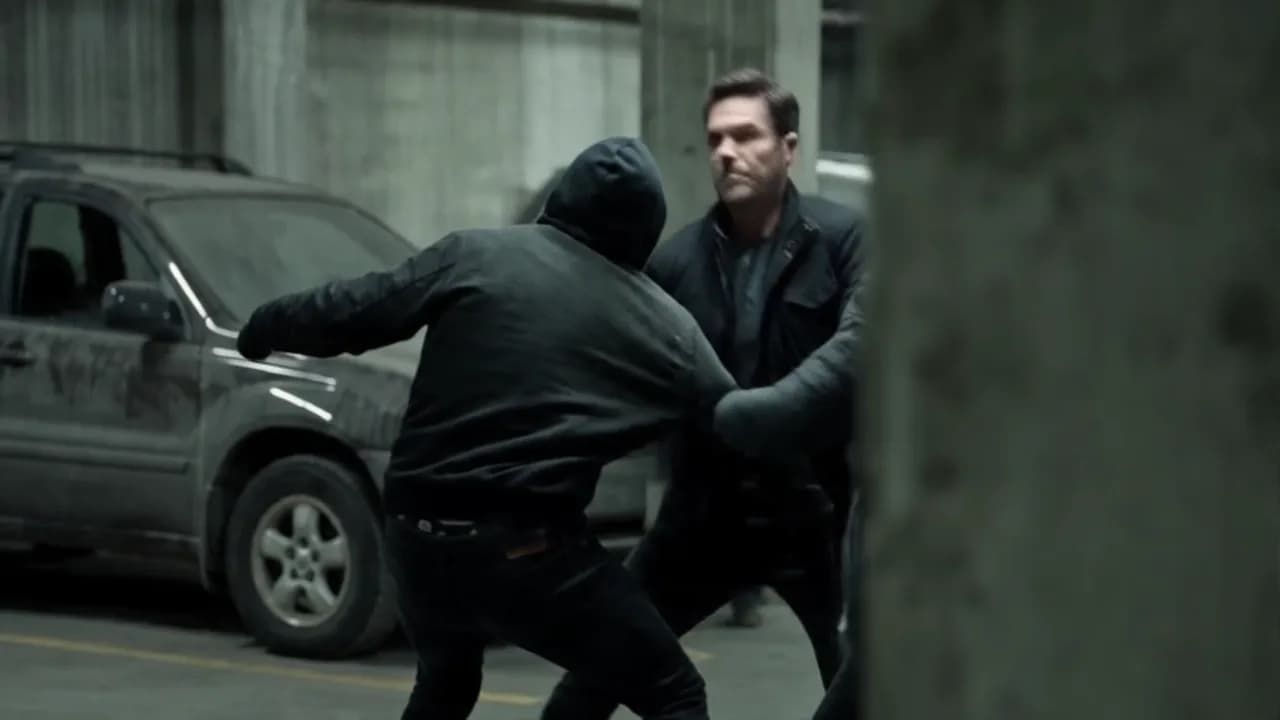
Director Style
Each scene keeps the essential action, camera intent, continuity, references, and generator-specific guidance together.
Scene 02 · The handoff
Video prompt
A controlled lateral track follows the courier through the station. Preserve the black wardrobe, red hard-shell case, cool motivated light, and left-to-right movement as the handoff completes.
Starting frame
Static composition, subject state, and reference fidelity.
Video motion
Action, camera, timing, audio, and transition intent.
From your idea to export, every decision has a home.
Direction shaped for the tools you actually use.
Products, people, locations, and visual details stay aligned.
Visual inputs become practical creative direction.
Every beat includes prompts, camera, audio, and transitions.
Move into your video tool without rebuilding the thinking.
Creative templates
Choose a shot structure for your next ad, music video or story. Make every scene your own, then compile prompts that carry your direction into your chosen model.
Explore templatesBrowse freely. Customize before building.
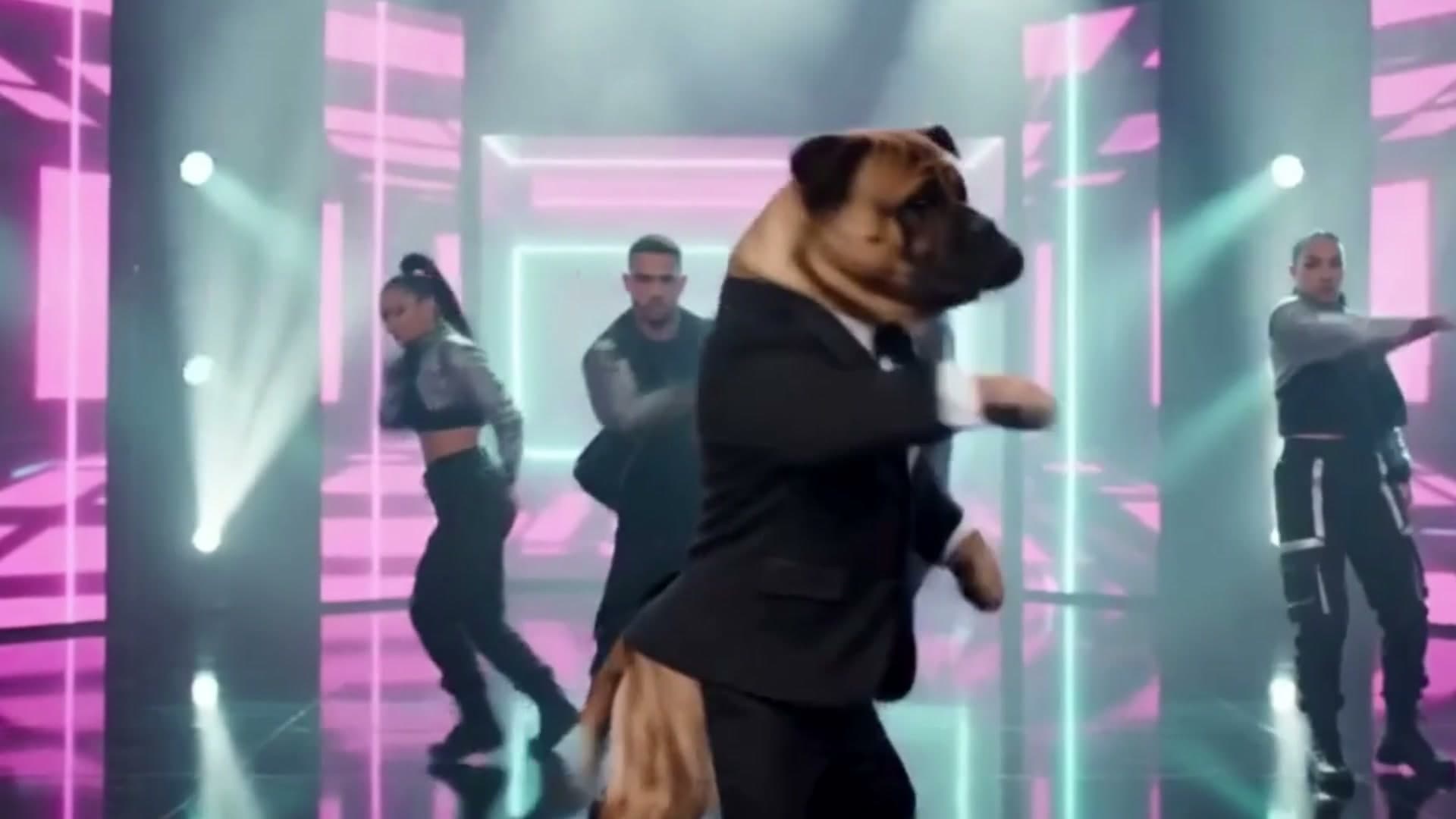
01 / Template
Music video
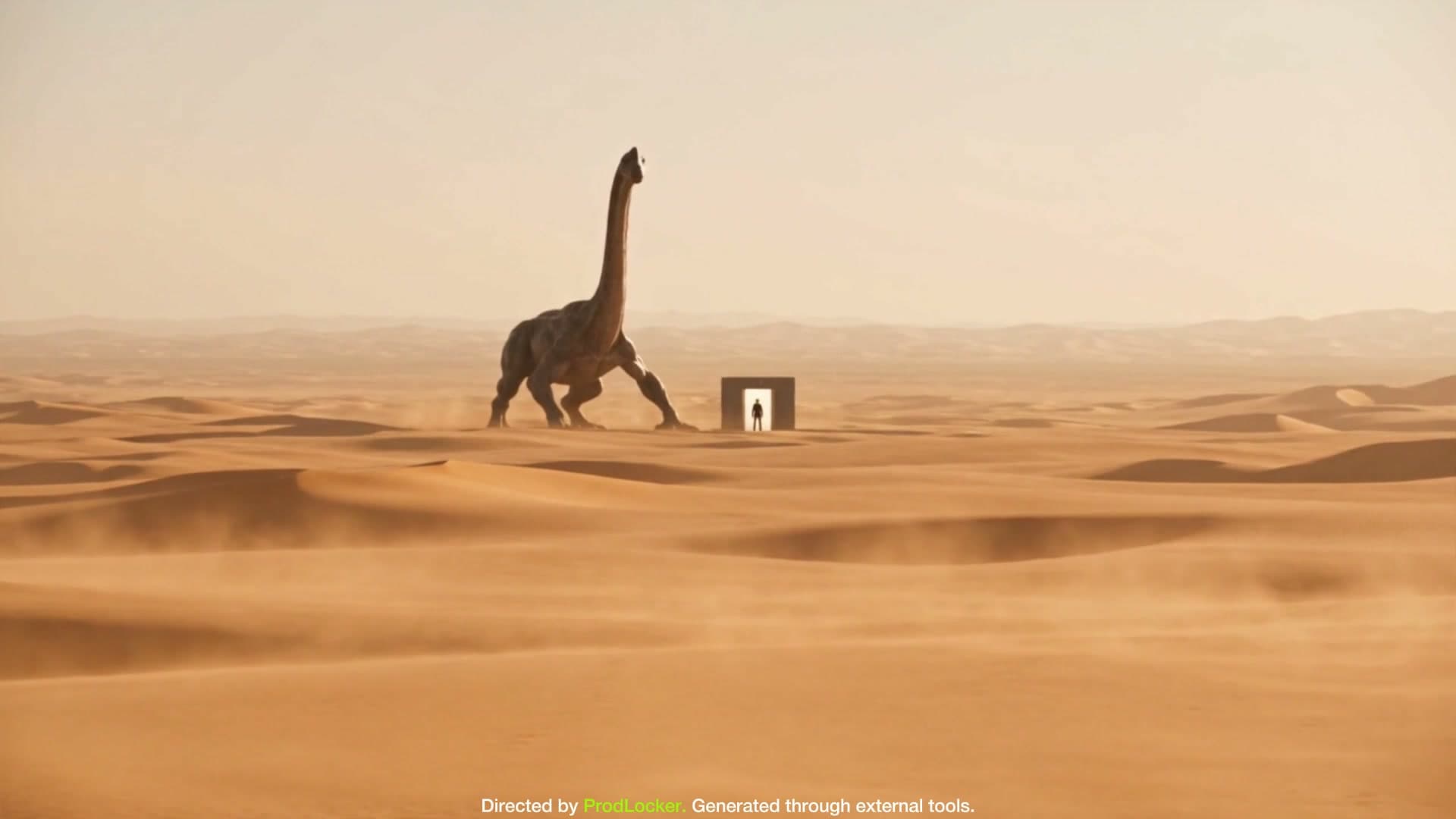
02 / Template
Concept film
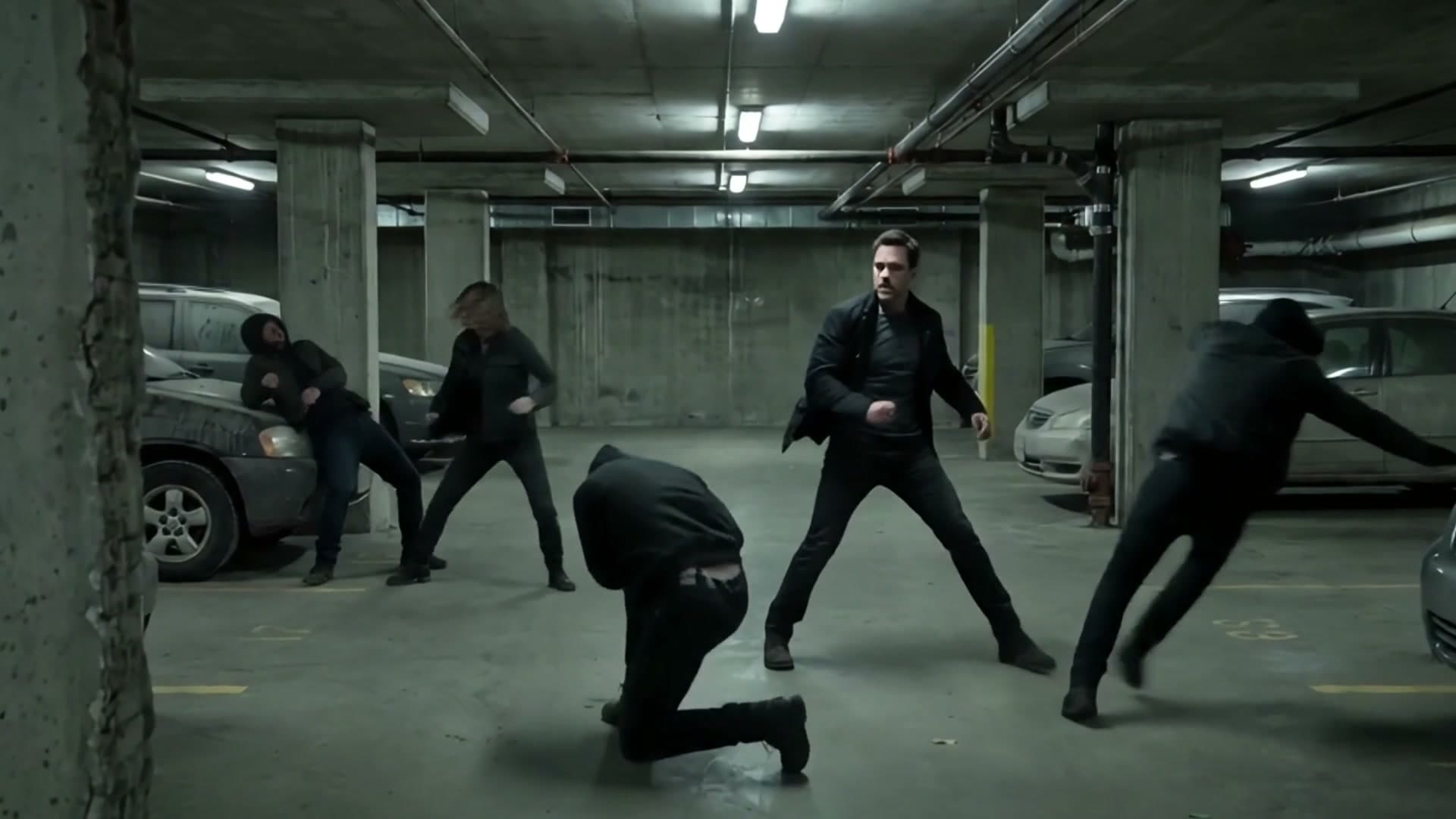
03 / Template
Narrative
The structure is ready.
The creative decisions are yours.
Choose the capacity that fits your work.
One workflow, more credits and creative room as you grow.
Try the workflow
Free access
$0
One-time credits to explore the workflow
Personal evaluation only
AI Decide directing approach
For creators getting started
Monthly subscription
$8.99
/ monthCommercial use included
AI Decide directing approach
For growing production workflows
Monthly subscription
$14.99
/ monthCommercial use included
Named Director Styles included
For heavier production workflows
Monthly subscription
$24.99
/ monthCommercial use included
Named Director Styles included
Displayed monthly prices are the current checkout prices. Existing subscription terms are unchanged.
Free access opens in limited batches. Existing creators can always sign in. Sign in to choose or manage a paid plan.
ProdLocker uses AI assistance to turn your brief and references into a structured scene plan, continuity guidance, starting-frame prompts, and model-specific video prompts.
No. ProdLocker prepares the production plan and prompts; you create the final images and video in the generation tools you choose.
ProdLocker supports model-specific workflows for established tools and custom workflows when your preferred generator is not listed.
Yes. You can add private image, TXT, and PDF references to inform planning and keep creative details consistent.
Upload a reference video up to 30 seconds and describe the character, outfit, setting or object you want to change. ProdLocker creates a motion-directed prompt for your compatible video tool. Each analysis costs 3 credits. Motion is approximate; audio is not analyzed.
AI actions use the credit amount shown in the product before execution. Free credits are one-time; paid-plan credits renew each subscription cycle.
Commercial use is included with Starter, Creator, and Pro. The Free plan is for personal evaluation.
References are stored privately and accessed through authenticated product flows. ProdLocker does not expose public storage links in the creator interface.
Capacity is limited. If access is full, you can join the waitlist.